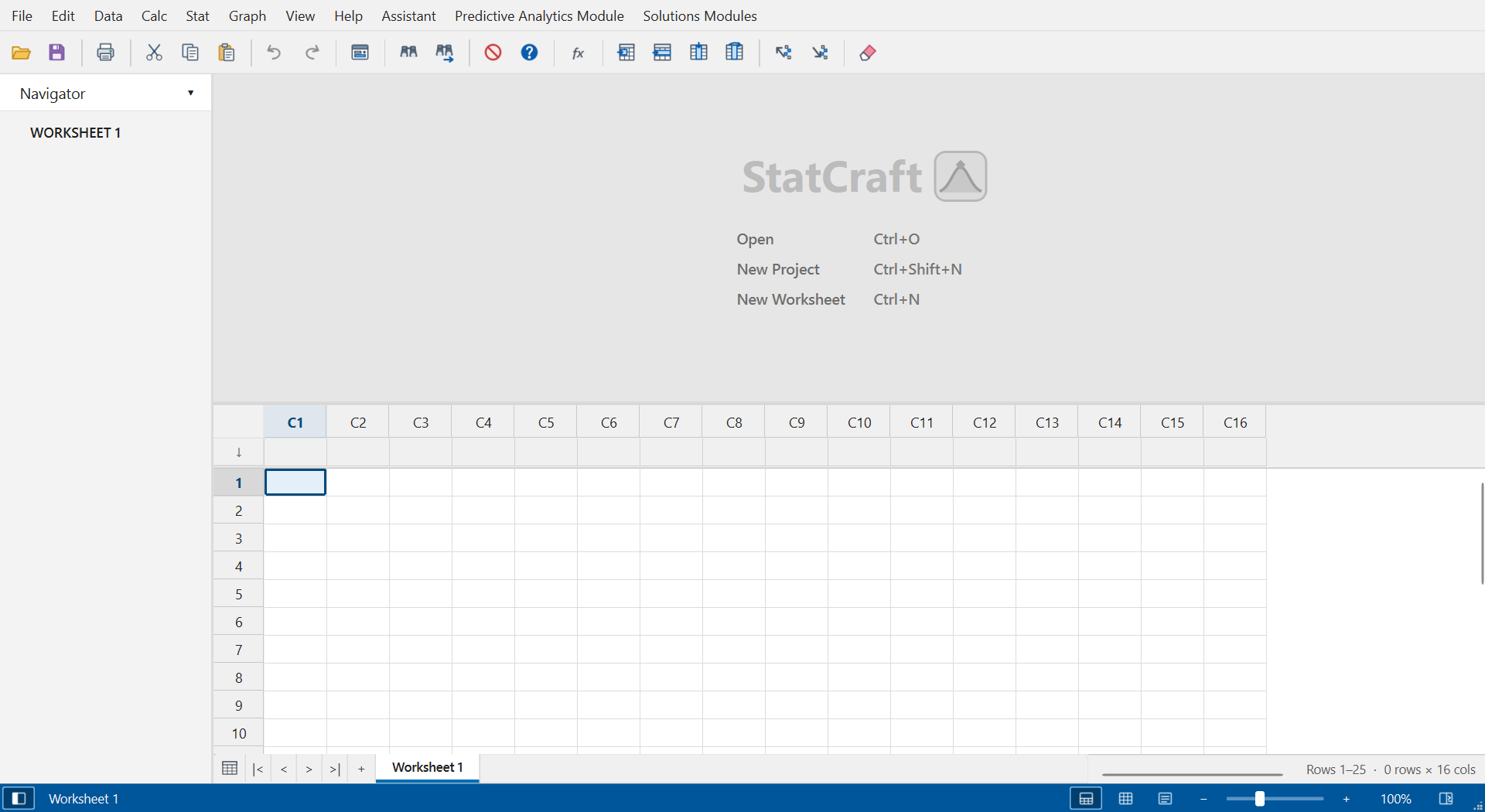
StatCraft brings statistical analysis, design of experiments, and interactive charts to a local desktop app. Open supported Minitab® and JMP® data, explore fitted models, and run scripts using a local R installation.
Engineered for Rigorous Industrial & Academic Workflows
Everything Six Sigma black belts, quality engineers, and research scientists expect from enterprise statistical packages.
Generate production-grade R scripts (Tidyverse, ggplot2, Base R, and vroom). Full Minitab 22 parity for Multiple Regression and Fitted Line Plots (Linear, Quadratic, Cubic) with 95% CI/PI bands, sequential ANOVA, PRESS, Predicted R-squared, Unusual Observations, and 4-in-1 residual diagnostics.
Open supported Minitab projects and worksheets (.mpx, .mwx) and JMP tables (.jmp). Import literal table data from .jsl files. Export worksheets to Excel or CSV.
Design Definitive Screening (DSD), Custom D-Optimal designs with Color Map on Correlations, 2-level Factorials, Response Surface (CCD & Box-Behnken), ALT, and interactive JMP Prediction Profilers.
Johnson Transformation, Individual Distribution Identification (16 continuous distributions & Box-Cox/Johnson transformations), Cause-and-Effect (Ishikawa / Fishbone) diagrams, Analysis of Means (ANOM for Normal, Binomial, Poisson), SPC control charts (Xbar-R, Xbar-S, I-MR), Normal & Non-normal capability (Cp, Cpk, Pp, Ppk), and Gage R&R ANOVA nested studies.
Render beautiful interactive 2D and 3D wireframe plots with ViewCube navigation, contour slices, Pareto charts, and boxplots. Protected 16:10 / 4:3 aspect ratios prevent widescreen distortion on ultra-wide and 4K displays.
Instant context-aware dispatching: Bivariate regression with 95% confidence bands and density ellipses, Oneway ANOVA with signature JMP Means Diamonds and Tukey circles, and Contingency Mosaic plots.
Your proprietary research and production data never touches a third-party cloud. Fully air-gapped support on Windows, macOS, and Linux with zero telemetry and silent deployments.
Precision Analysis in Action
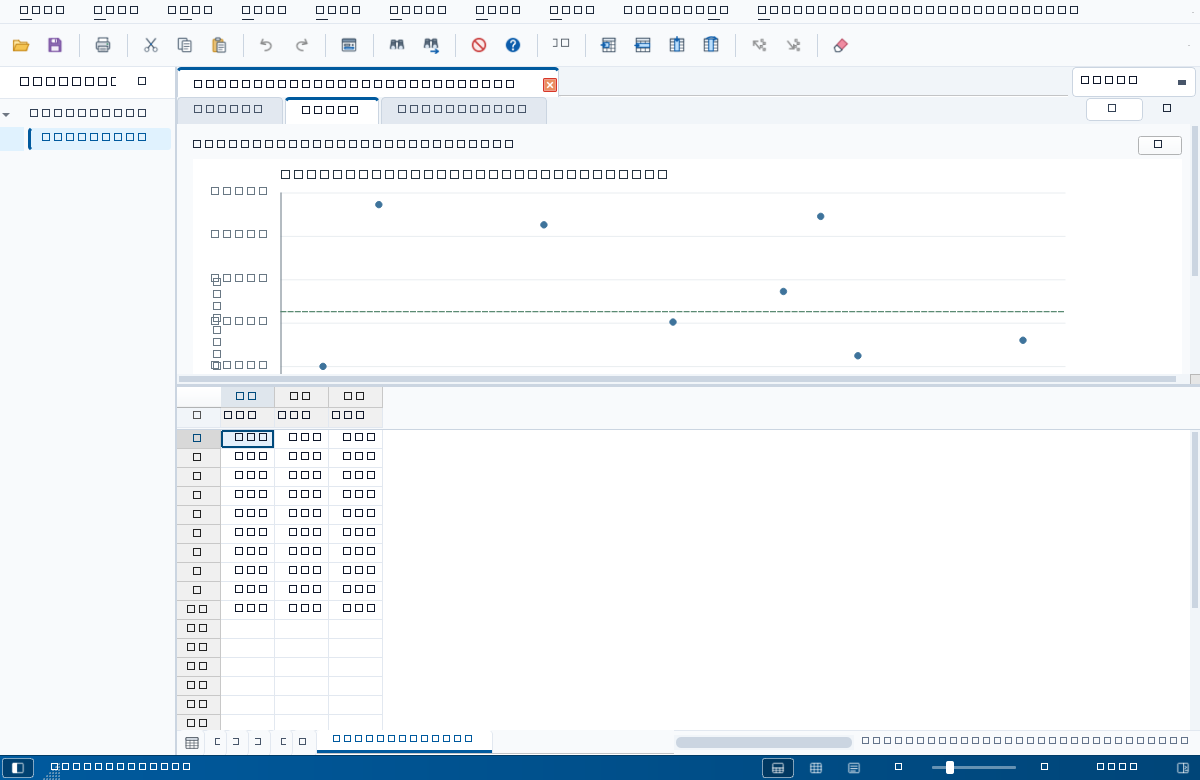
Explore actual screenshots generated directly from our verified test suite and production builds.
Why Engineers are Switching to StatCraft
| Feature | StatCraft | Legacy Minitab® | JMP® Pro (SAS) | Cloud Web Apps |
|---|---|---|---|---|
| License & Cost | Free & Open Source ($0) | $2,400+ / yr | $2,500+ / yr | Monthly Subscriptions |
| Cross-Platform OS | Windows, macOS & Linux | Windows (Mac Cloud) | Windows, macOS | Browser Only |
| Cold Startup Time | < 0.2s (Native Core) | 12 – 25 seconds | 8 – 15 seconds | Network Dependent |
| File Compatibility | .MPX, .MTW, .MWX, .JMP, .JSL, CSV, Excel | .MPX, .MTW, .MWX | .JMP, .JSL | Proprietary / CSV |
| Workspace Modes | Minitab-style, JMP-style, and R Workbench | Fixed Minitab Layout | Fixed JMP Layout | Fixed Web Layout |
| JMP Distribution & Quantiles | Full Parity (Vertical Outlier Box Plot, Normal Curve, 11 Quantiles) | Horizontal Only (Standard Boxplot) | Signature Platform | Not Supported |
| JMP Fit Y by X & Means Diamonds | Full Parity (Bivariate, Oneway, Contingency) | No (Separate Basic Menus) | Signature Platform | Not Supported |
| Interactive Prediction Profiler | Real-time Draggable Crosshairs & Desirability | Static Optimizer Dialog | Included | Not Supported |
| Offline Air-gapped Use | 100% Offline (Zero Telemetry) | License Server Required | License Server Required | Impossible (Cloud Only) |
| DOE & Response Optimizer | Full Suite (DSD, D-Optimal, RSM, Factorial) | Included | Included (JMP Pro for some) | Limited / Paid Add-on |
What's New in StatCraft
Loading live release highlights from GitHub...
Installation in Under 60 Seconds
Run the guided GUI Setup installer or run the standalone portable `.exe` directly without administrative rights.
Download the `.zip` archive, extract `StatCraft.app`, and drag it directly to your Applications folder.
Extract the standalone `.tar.gz` archive. Includes desktop icon and launcher for Ubuntu, Debian, Fedora, and Arch.